

500 Internal Server Error After Moving to New Hosting: Fix It in cPanel
Mustafa Şahin 18 November 2026 1 min read 27
You moved your site and now see "HTTP ERROR 500" or a blank page. The server could not build the page because of an error, and the cause is usually simple.
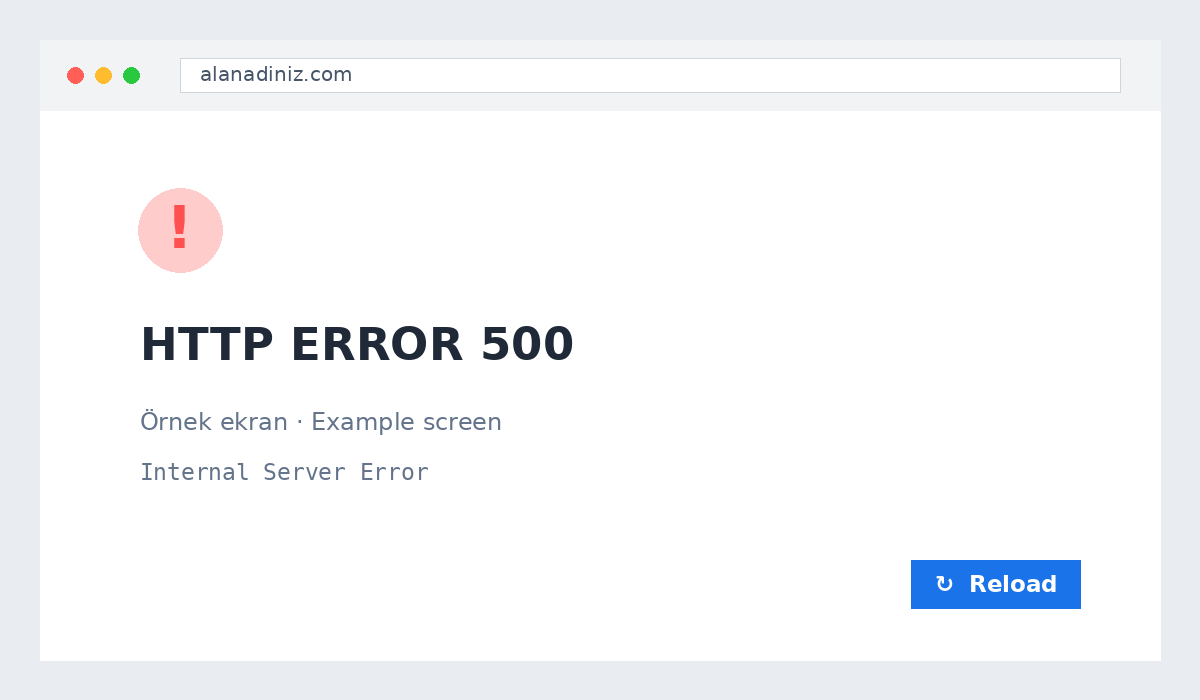
1. Read the error log
cPanel → Errors or the error_log file. The last line usually names the problem.
2. Set the PHP version
cPanel → Select PHP Version: current WordPress and Laravel need PHP 8.2+, with intl, gd, zip, mbstring and pdo_mysql enabled.
3. Test .htaccess
Rename it temporarily. If the site loads, regenerate it (WordPress: Settings → Permalinks → Save).
4. Fix permissions
Folders 755, files 644; in Laravel storage and bootstrap/cache writable.
5. Check database details
The database name, user and password in wp-config.php or .env must match the new server.
Paste the error line into a support ticket and we will solve it faster.
About the author
Mustafa Şahin
Free video guides on FiveM, Rust and coding on our YouTube channel (in Turkish).
Visit channel