

"Your Connection Is Not Private": Fixing Free SSL (AutoSSL) Problems
Mustafa Şahin 18 November 2026 1 min read 27
When the browser says "Your connection is not private", the certificate is missing, expired or issued for another name. Visitors leave and Google ranks you lower.
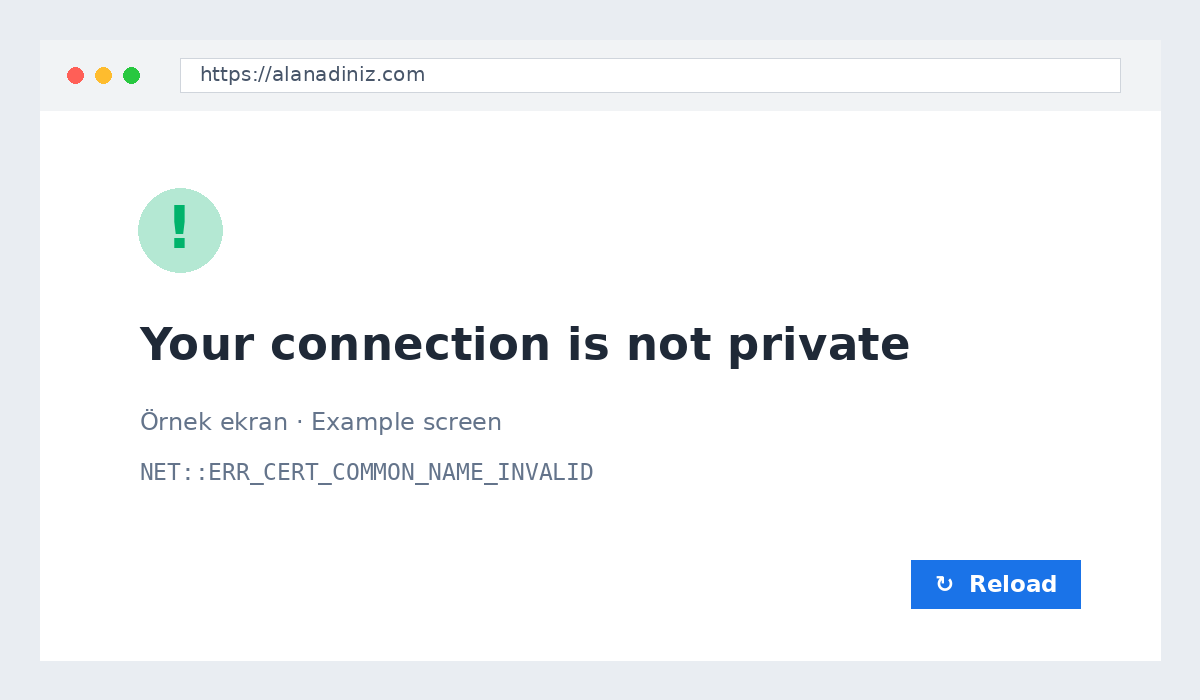
Why AutoSSL did not run
AutoSSL issues free certificates automatically, but the domain must point to our server. Common causes:
- DNS has not propagated yet (wait a few hours).
- Only
domain.compoints to us,www.domain.comwas forgotten. - Cloudflare SSL mode is Flexible.
- An old CAA record allows only another certificate authority.
Fix
- cPanel → SSL/TLS Status → Run AutoSSL.
- If the message mentions DNS, check both records (including www).
- In Cloudflare choose Full (strict).
- Turn on the https redirect.
Mixed content
If the padlock shows a warning, some images load over http://. Update the addresses in WordPress Settings → General and replace old links.
Still no certificate after 24 hours? Open a support ticket.
M
About the author
Mustafa Şahin
Free video guides on FiveM, Rust and coding on our YouTube channel (in Turkish).
Visit channel