

E-mails Landing in Spam? Set Up SPF, DKIM and DMARC (Current Gmail Rules)
Mustafa Şahin 17 November 2026 1 min read 24
Are your quotes, invoices or newsletters landing in spam? Your domain is probably missing e-mail authentication. Since 2024 Gmail and Yahoo require it, especially from bulk senders.
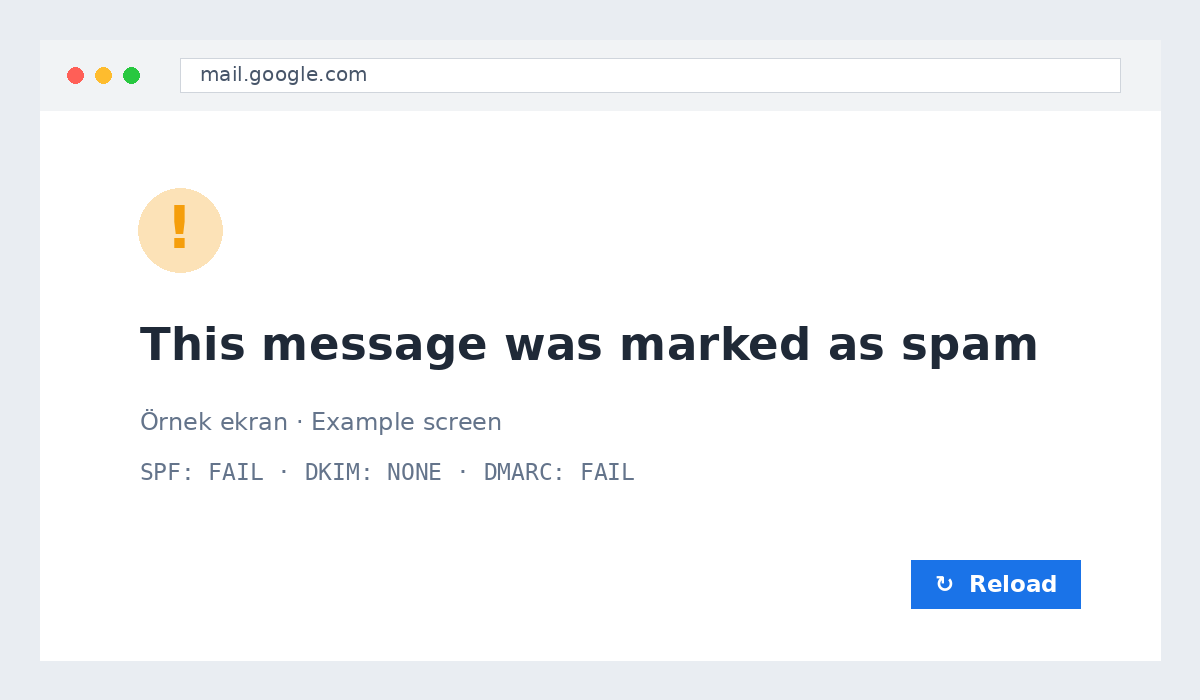
Three records
- SPF: which servers may send mail for your domain.
- DKIM: a digital signature proving the message was not altered.
- DMARC: what to do when SPF/DKIM fail, plus reports.
One click in cPanel
cPanel → Email Deliverability → Repair. If your DNS is elsewhere, copy the shown records there.
DMARC record
Start with TXT _dmarc = v=DMARC1; p=none; rua=mailto:info@yourdomain.com, later switch to p=quarantine.
Tips
Send from your own domain, add an unsubscribe link to bulk mail and avoid image-only messages.
Want us to check your records? Open a support ticket.
M
About the author
Mustafa Şahin
Free video guides on FiveM, Rust and coding on our YouTube channel (in Turkish).
Visit channel